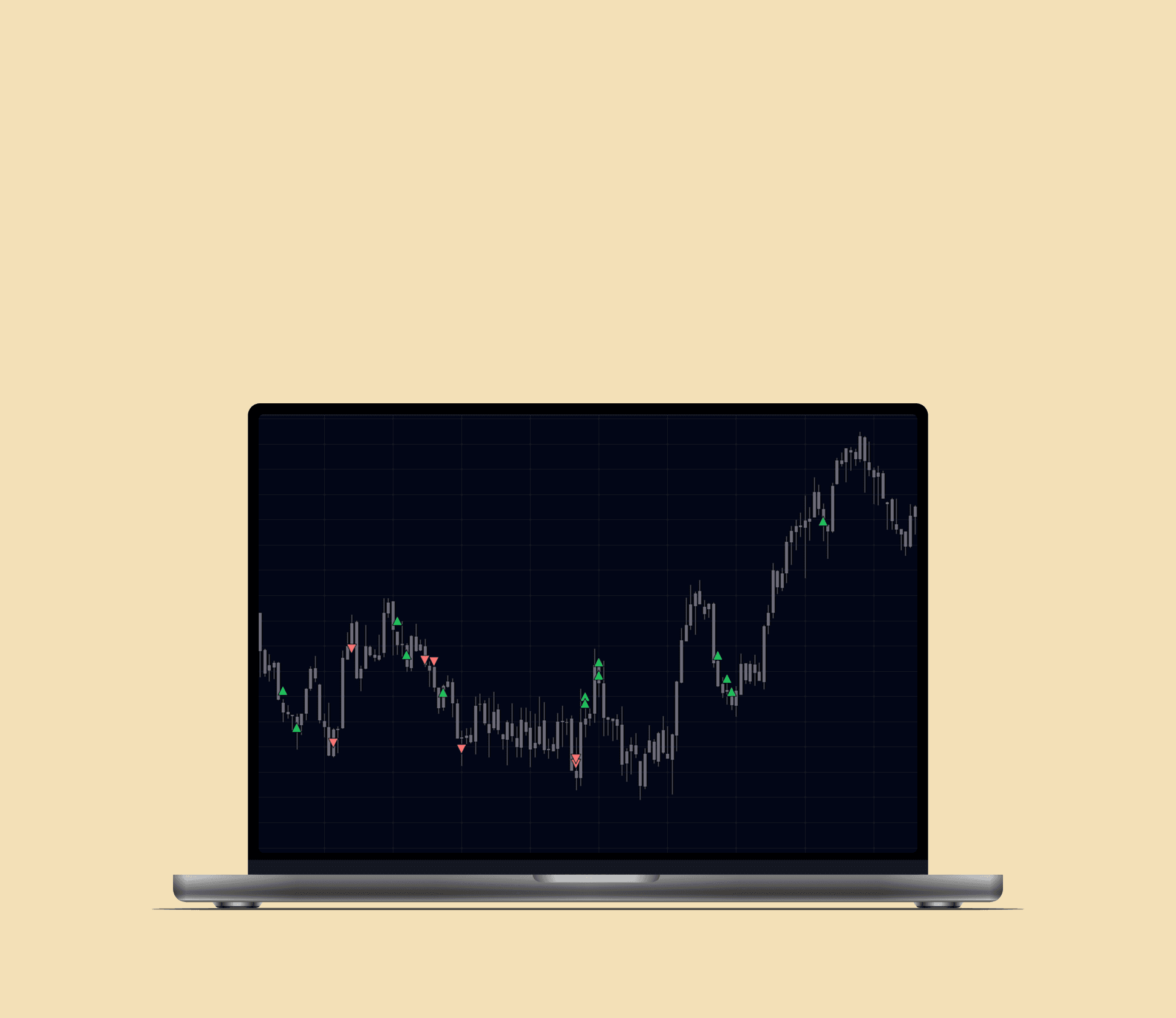
Role
End-to-end Product Design (Research, AI - assisted prototype)
Type
Self initiated Trade review tool
Users
Retail traders reviewing past trades
Constraints
No live broker integration
Manual data upload
Browser based prototype
01 - The Problem - Where trade context breaks
Trade review tools do not capture the context which users make their trade decisions. By reviewing trades in a visual context, traders can reconstruct their decision making, identify repeated mistakes, and learn from past trades more effectively than tables alone.
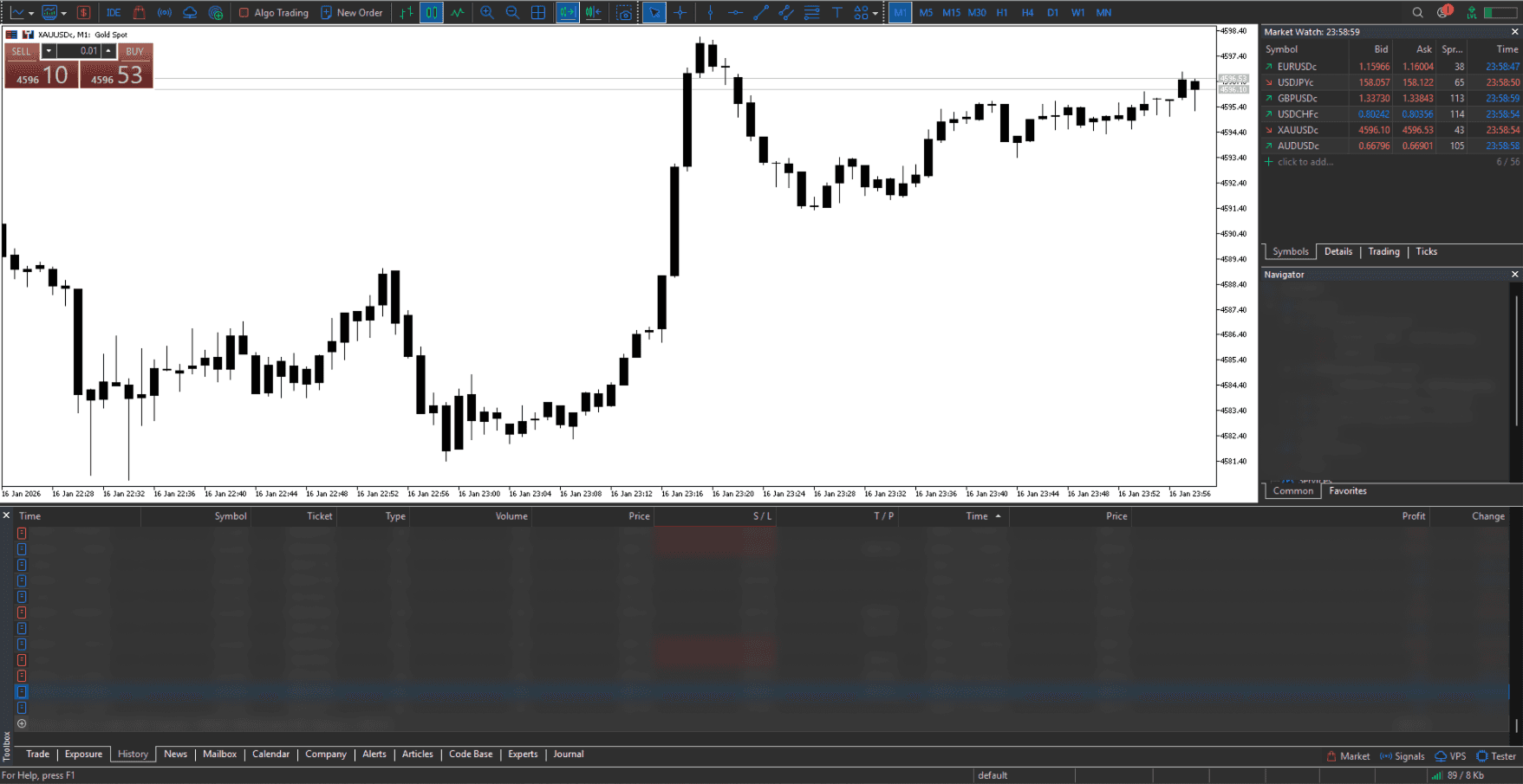
1
Execution happens in broker software
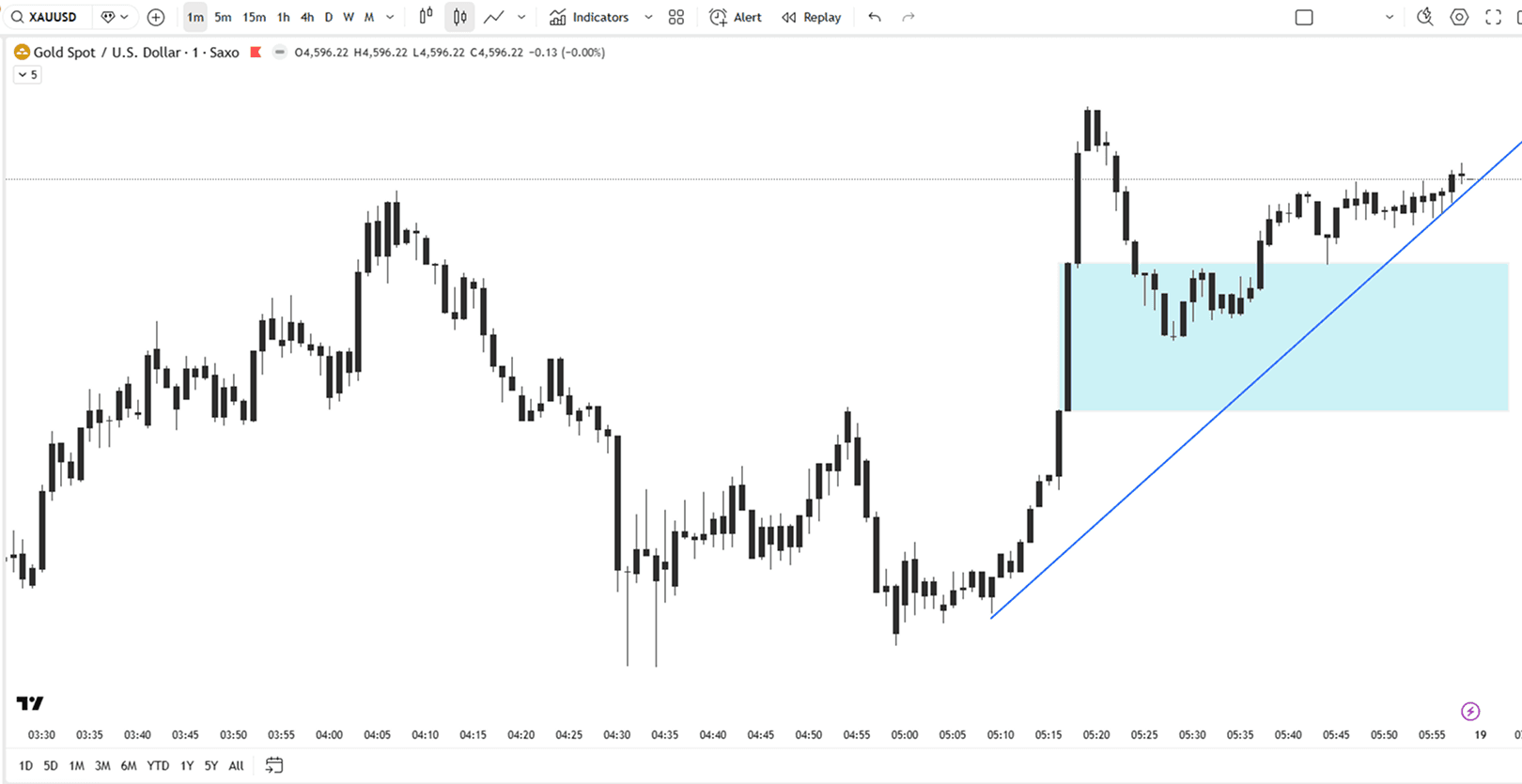
2
Analysis happens in charting software
3
Trade entries represented in tabular format strip away the "WHY" behind trade decisions and remove visual context
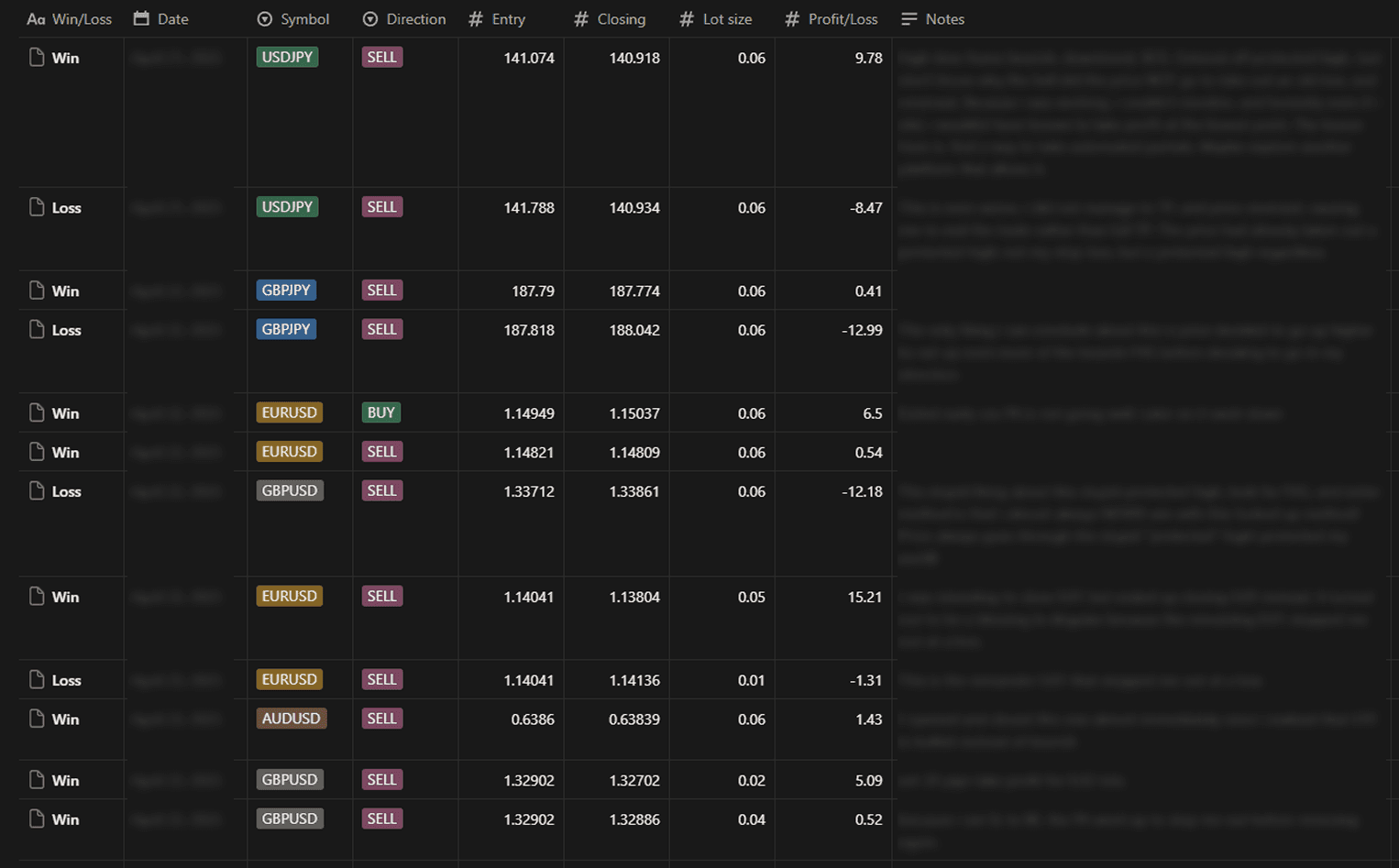
Reviewing a trade requires the trader to look between the two software to get a visual understanding of their trade decision.
02 - Feature Architecture
User Actions
Upload
Trade history (XLS export from broker)
Price data (CSV export)
Select a trade
Choose one trade from list
Enter isolated Mode
Isolated Review Workspace
Step through price movement
Observe entry and exit timing
Reconstruct decision sequence
Replay trades
Annotate
System Actions
Parse & Normalize Data
Parse CSV and XLS data
Align Trade to Price Timeline
Align trade data to price chart
Show entry, exit, TP, SL, no. of pips, trade duration metadata
Replay & Annotation Engine
Build step through mechanics
Build replay mechanics
Drawing tools
03 - Key Decisions
Decision
Alternatives I considered
Why I chose this
Tradeoffs
Designed trade review around isolated trade view
Show all trade entry/exit at once
To reduce visual and cognitive overload and focus the user reflection per trade
Harder to compare multiple trades at once
Using offline data upload instead of live broker sync
Real-time API integration
To get early stage validation instead of unnecessary upfront development costs
Requires repeated manual uploads
Phased development of features
Build full architecture upfront
I wanted to stabilize core interactions before moving on to the next feature
Slower feature development
Using workarounds to implement replay feature
Using the full Tradingview library
Created replay behavior without overengineering
Certain visual styling is different e.g the chart grid lines cannot be seen
Eschewing backend features at this stage of development
Building a full account system
At this stage of development, it was more important to validate the product features than implement backend features
No saved user history
04 - What I Built
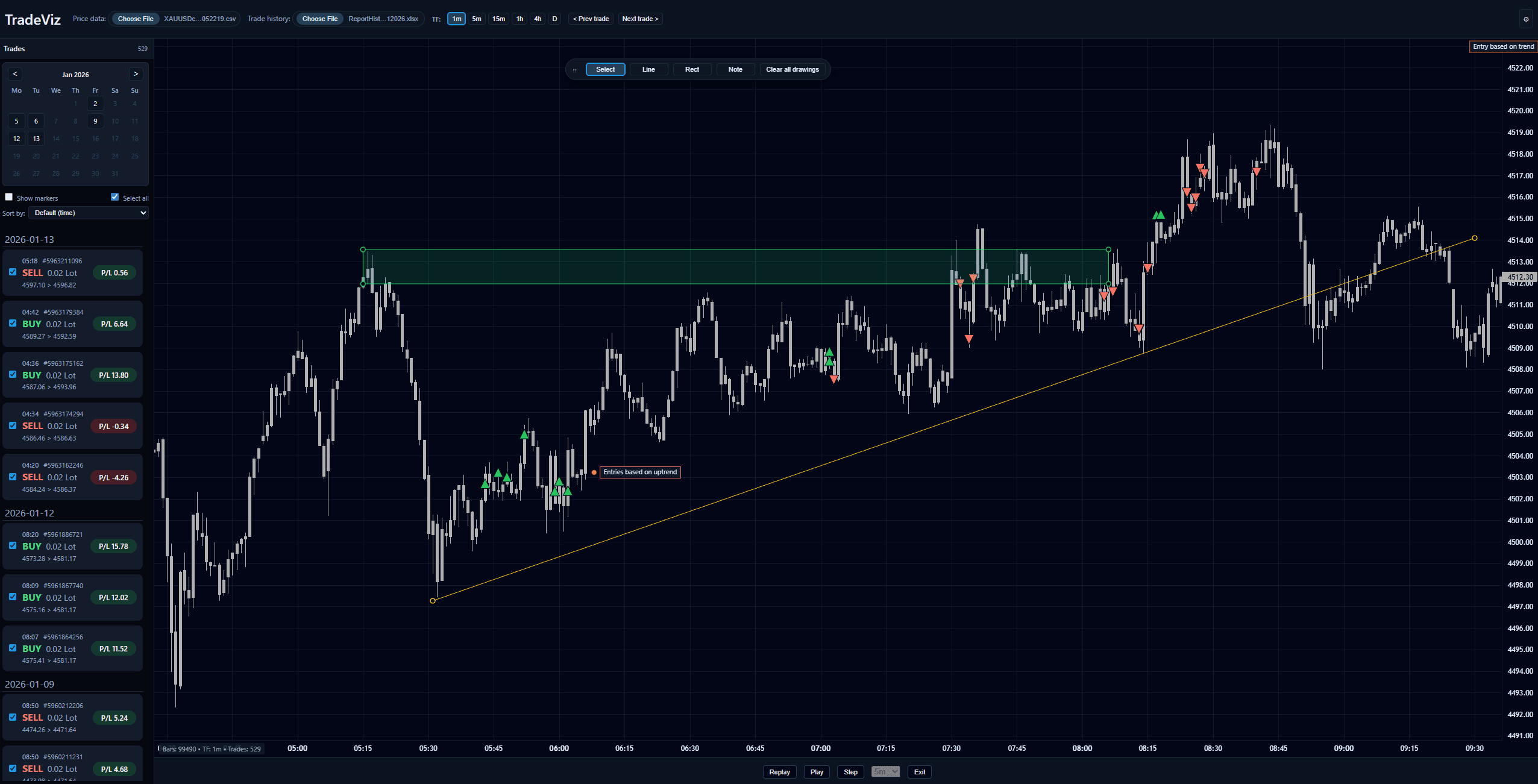
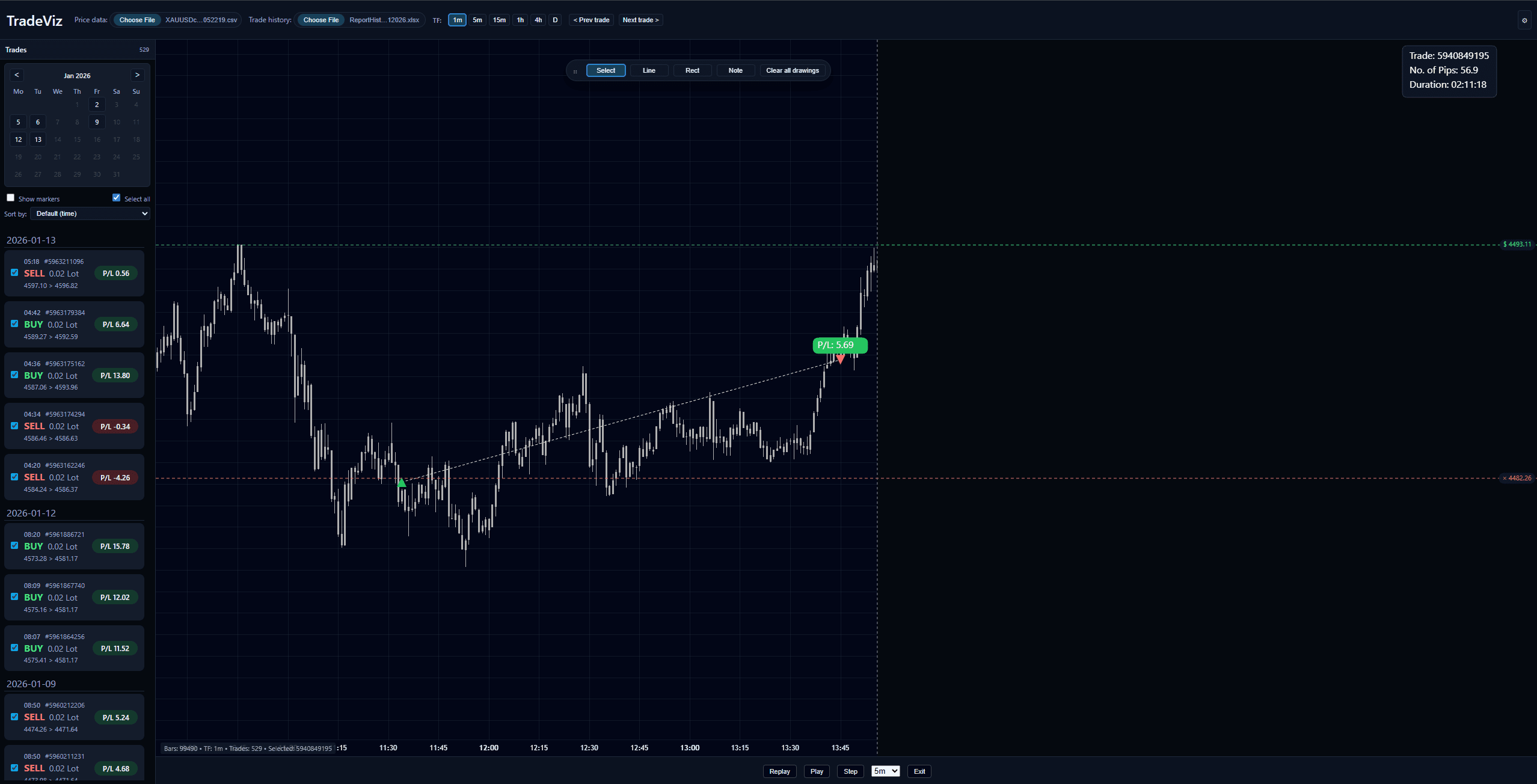
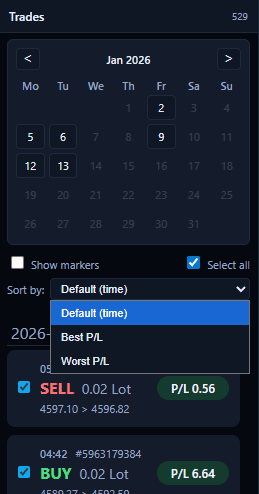

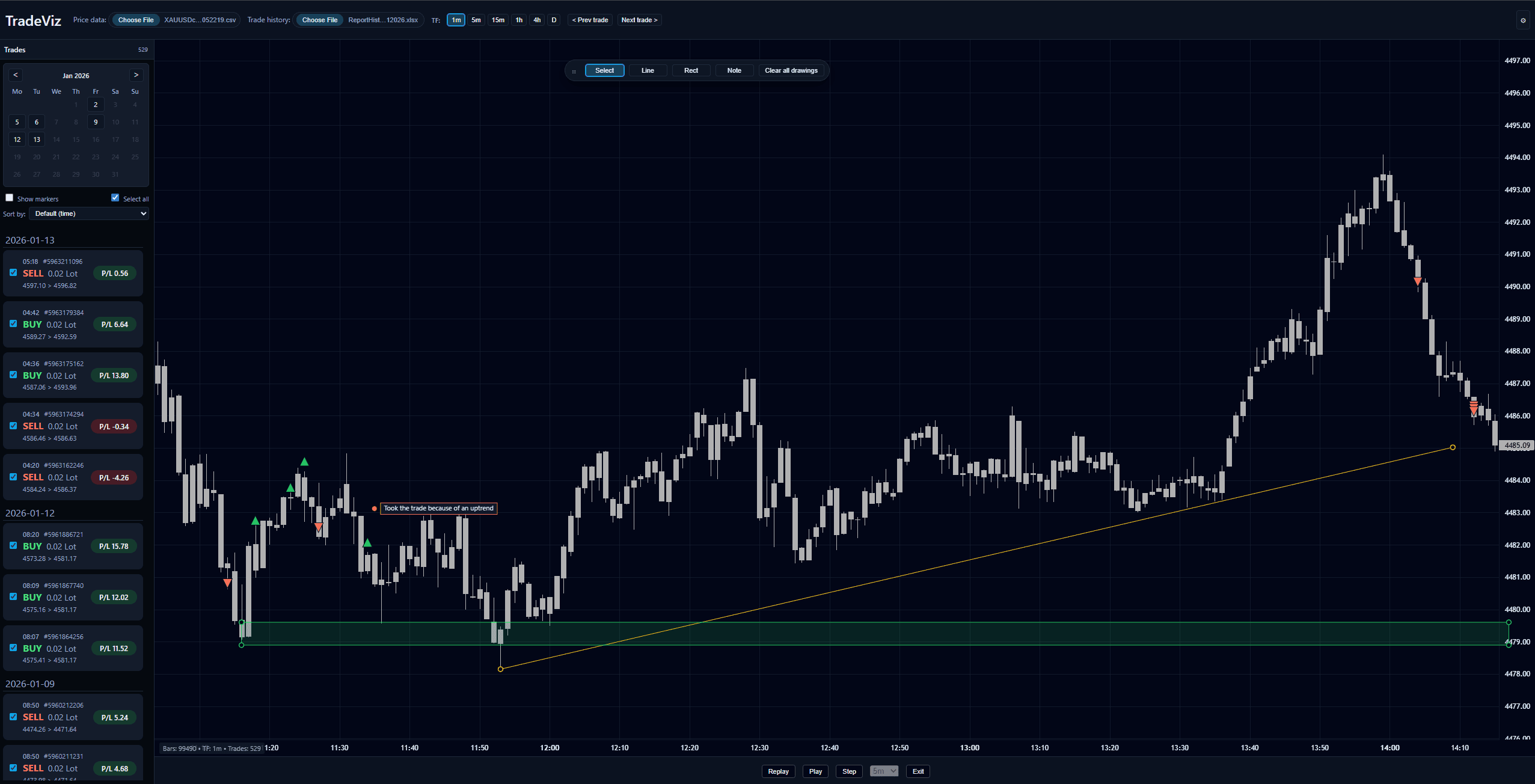

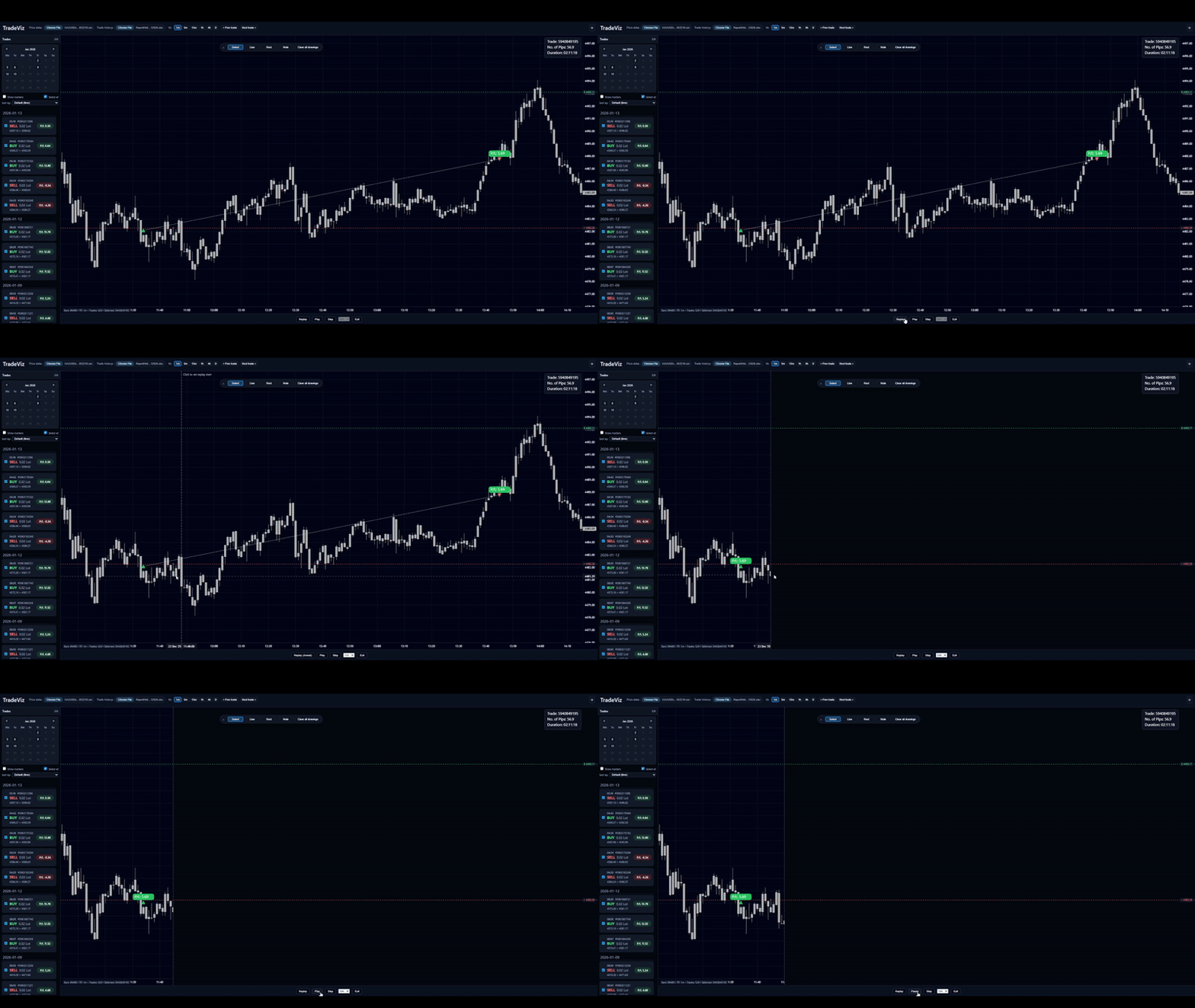
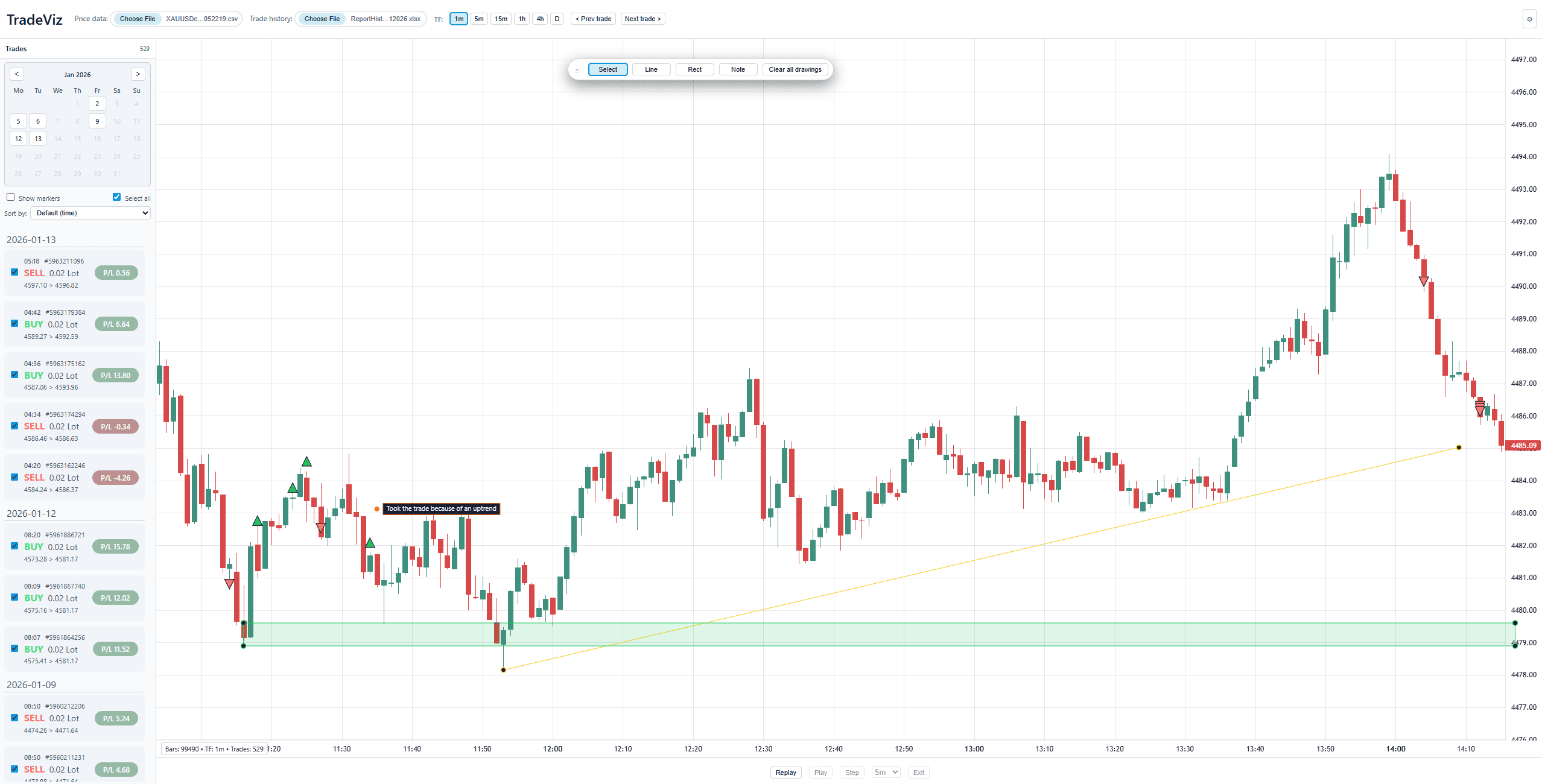
05 - User feedback
I shared TradeViz with three active retail traders who currently review trades using a mix of spreadsheets, TradingView, and broker platforms (e.g. MT5). Sessions were informal walkthroughs focused on how they normally review trades and how TradeViz compared to their existing workflow.
Across interviews, traders consistently valued contextual replay over numeric trade logs, validating the core hypothesis of TradeViz.
Feedback theme
Insight
Product Direction
Visual context was clearly more useful than tables
“It’s very hard to visualise a trade by just numbers.”
“I’d rather review trades this way than using tables.”
Seeing trades visualized directly within market structure helped users understand why trades were taken, validating the decision to move away from spreadsheet-style review toward visual context.
Double down on chart-embedded trade visualization as the core review experience.
Replay was considered an important review tool
“Replay is very important — it helps understand how the trade behaves over time.”
Replay helped traders reconstruct how trades played out over time, reinforcing the value of chronological review even within the technical constraints of the prototype.
Prioritize replay performance and interaction clarity as a primary feature
Manual uploads were acceptable short-term, but automation is expected
“Live syncing would be more convenient, but people usually review trades at the end of the day anyway.”
Users understood manual uploads as a prototype limitation and accepted them for review purposes, while still expecting live syncing if the product were taken further. This validated the decision to defer integration early while clarifying future expectations.
Maintain manual upload for validation stage; explore API-based sync for future iterations.
Assumption Challenged
Feedback theme
Insight
Product Direction
Traders execute multiple entries within a single setup
“I’d like to see all trades layered at once to understand why a trader layers entries.”
I initially assumed deep single-trade review would be sufficient. However, traders often scale into positions, making grouped visualization critical for understanding overall execution quality.
Isolated Mode should remain core, but support grouped trade visualization for setup-level review.
06 - Reflections
AI-assisted development accelerates building, but still requires a fair amount of iteration and judgement
Tradeoffs are unavoidable but they help the product in the end
Iteration matters more than first attempts
Ron Ang | 2025 | Crafted with
, powered by Framer